
Ages 1–100
Set Any Age from 1 to 100
Most age filters offer only a few age presets, but our tool lets you choose the exact age you want to explore. Drag the slider to see yourself at almost any point from childhood to old age.
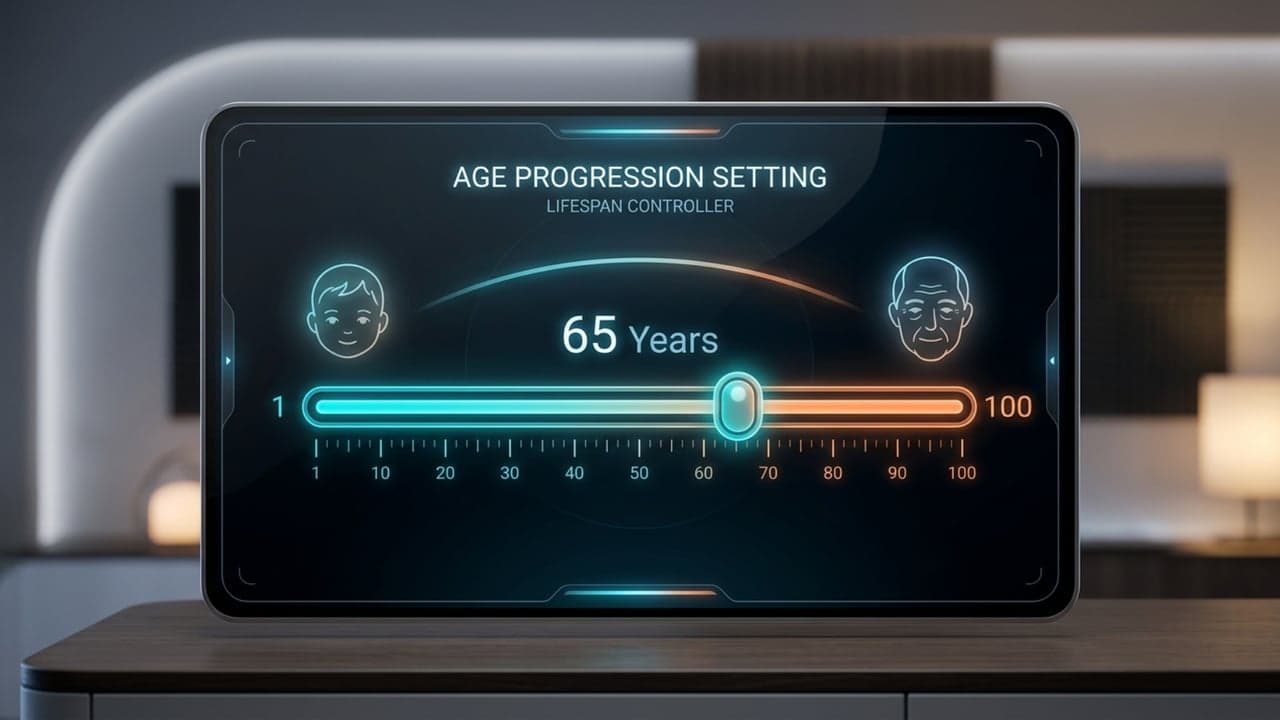
Explore how you might look at different stages of life with our free AI aging filter. Upload a photo, choose a preset age, or drag the age slider from 1 to 100 to create personalized age progression results.
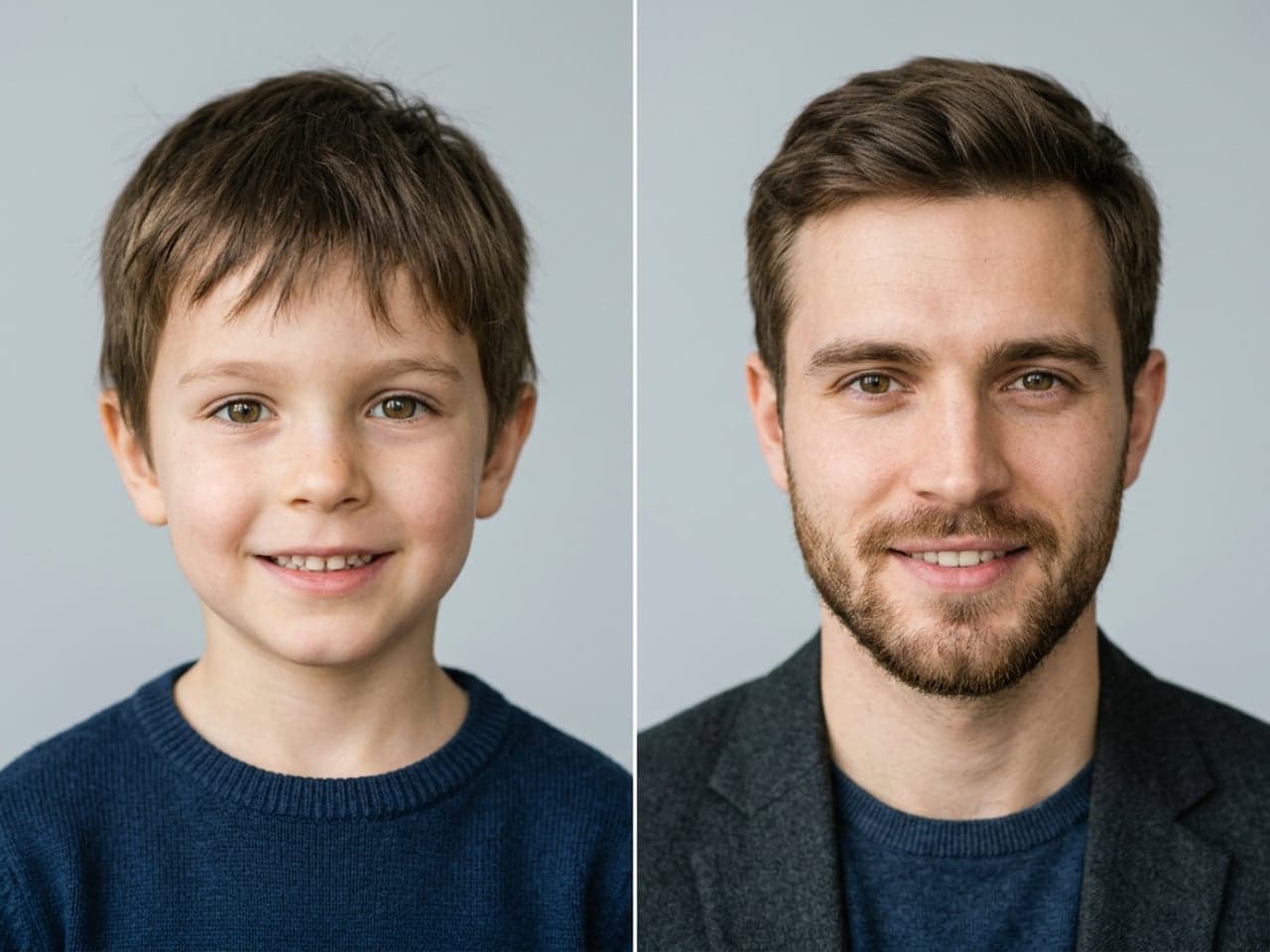
Upgrade to download generated images directly without a watermark.
Review your latest child, adult and senior portrait results.
You do not need photo editing experience. Upload a clear portrait, select the age you want to preview, and download your AI age filter result.
Upload a clear portrait of yourself, a family member, your partner, or someone else you want to transform. The aging filter works best when the face is clearly visible and well lit.
Start with a preset such as baby, child, adult, middle-aged, or senior, or use the age slider to select any age from 1 to 100. You can fine-tune the result instead of being limited to a few fixed age ranges.
Generate your AI age progression and see how facial features change across different life stages. Try several ages with the same photo to compare how you may look as you grow older or younger.
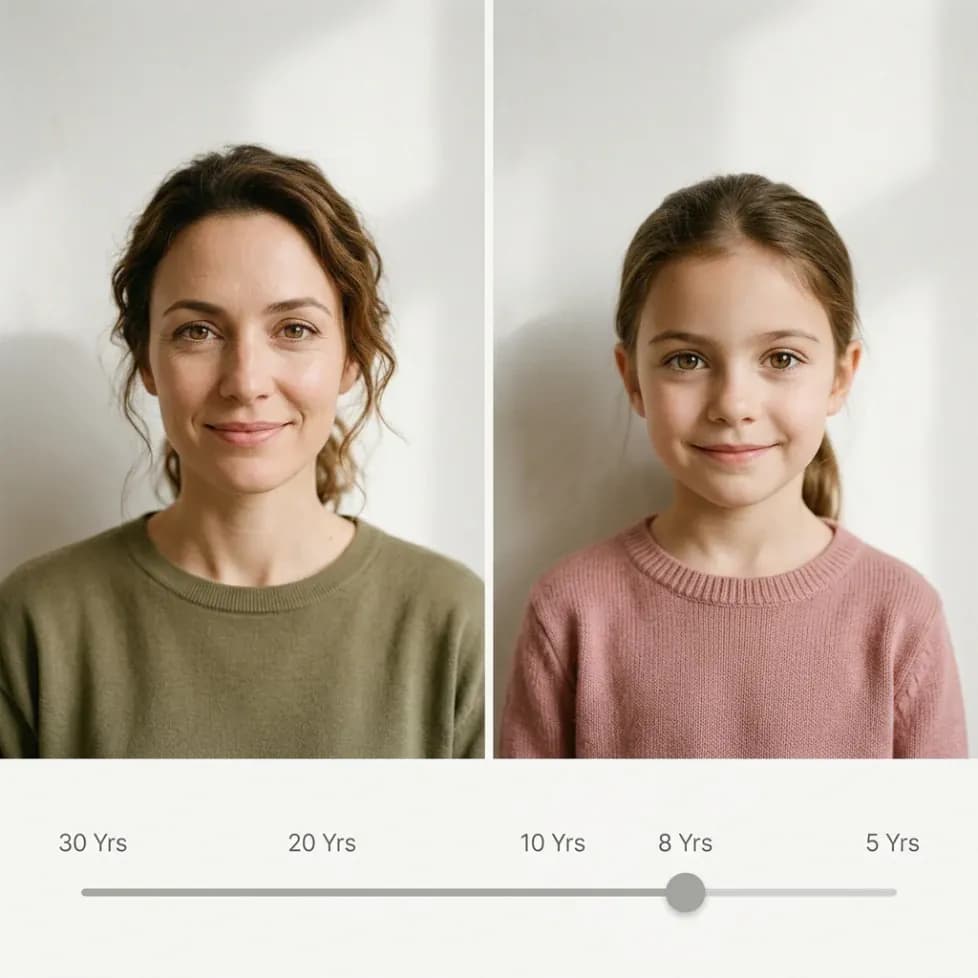
Create natural age transformations with our aging filter while preserving your original facial identity. Easily preview your future self, look younger, or generate young-to-old photos.
Most age filters offer only a few age presets, but our tool lets you choose the exact age you want to explore. Drag the slider to see yourself at almost any point from childhood to old age.
Our AI aging process focuses on adding age-related details while keeping recognizable facial features. This helps your transformed portrait still look like the same person at a different age.
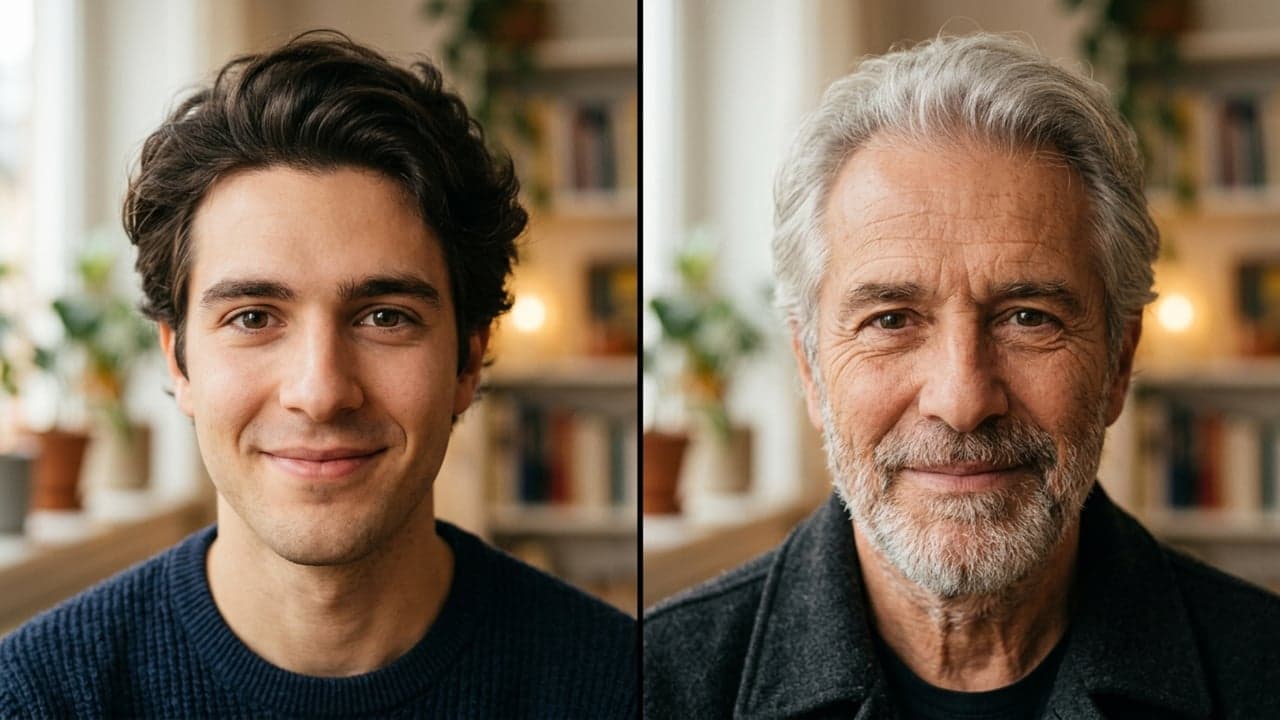
Create several versions from the same original photo and compare different ages at a glance. See the gradual changes between childhood, adulthood, middle age, and senior years.
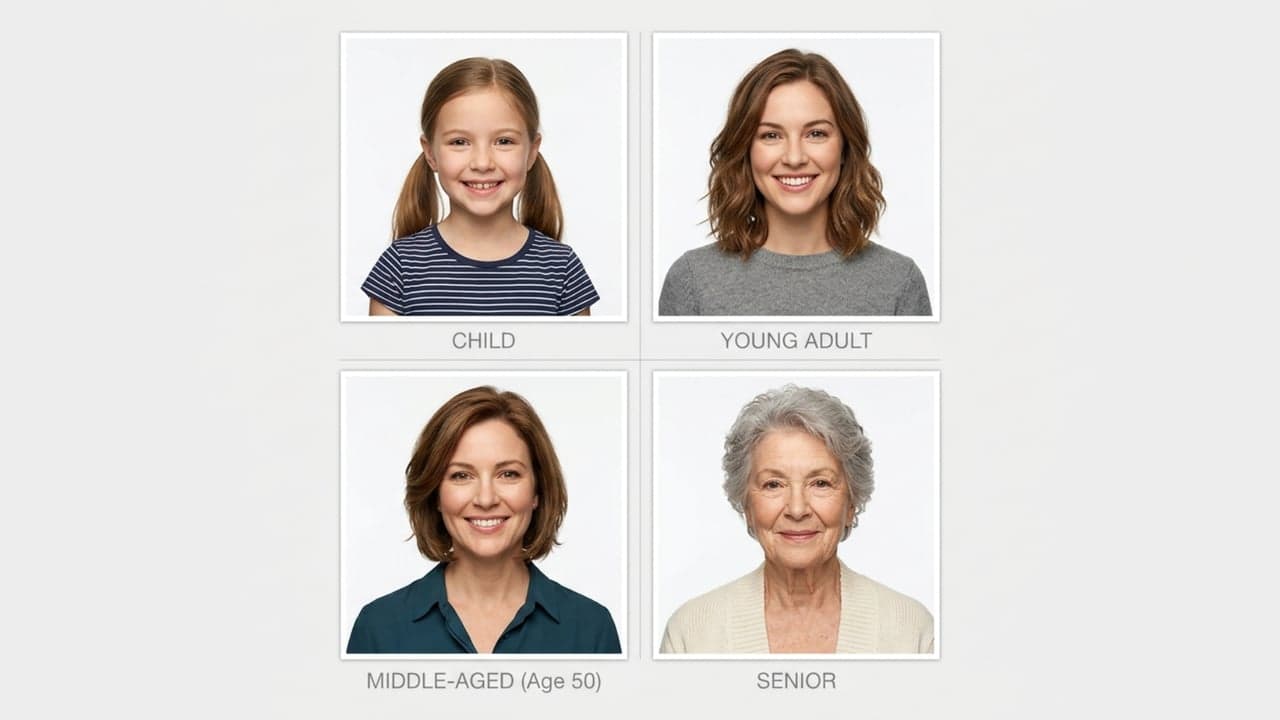
Use selfies, portraits, family photos, or other suitable images as your starting point. Different photo styles and compositions can create different visual results while the aging filter adapts the transformation to the face.
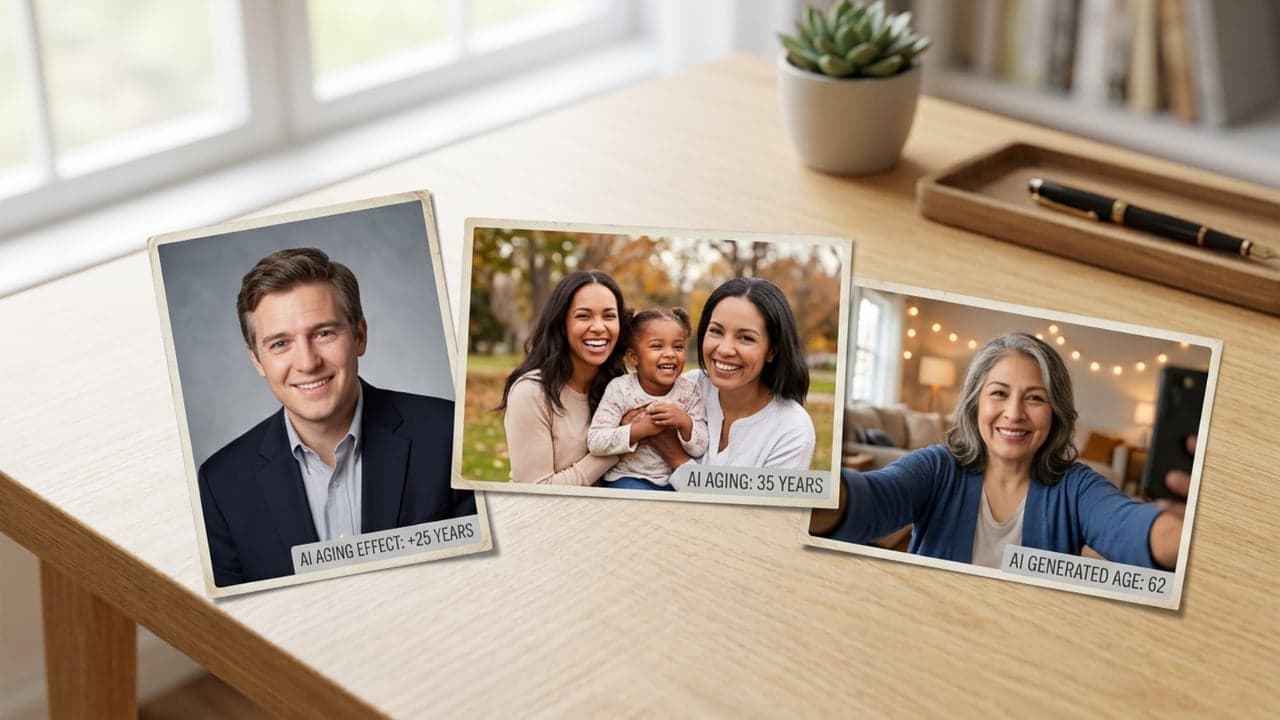
An AI age filter is more than a simple old face maker. It can be used for entertainment, social trends, storytelling, privacy, marketing, and visual planning.
Curious about your future appearance? Use AI age progression to explore what you might look like at 40, 60, 80, or any other age you choose.
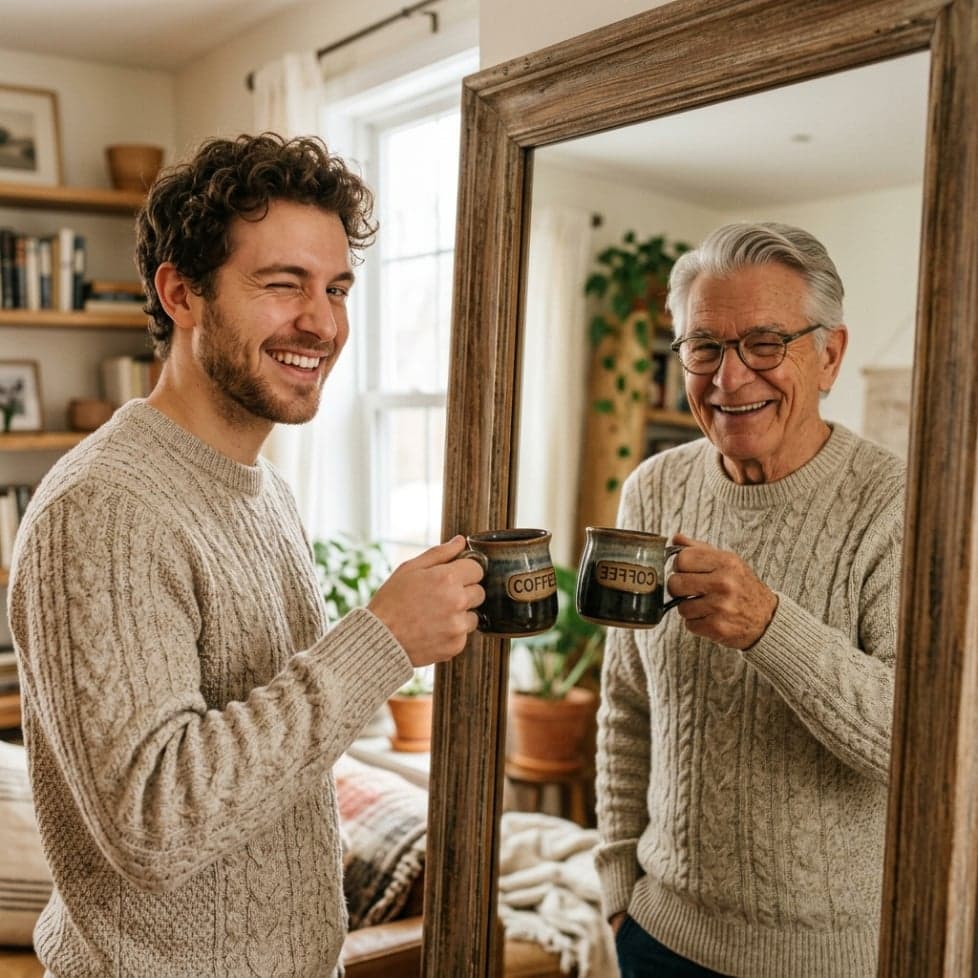
You do not have to make yourself look older. Use the aging filter in reverse to create a younger version of yourself and see what you may have looked like as a baby or child.
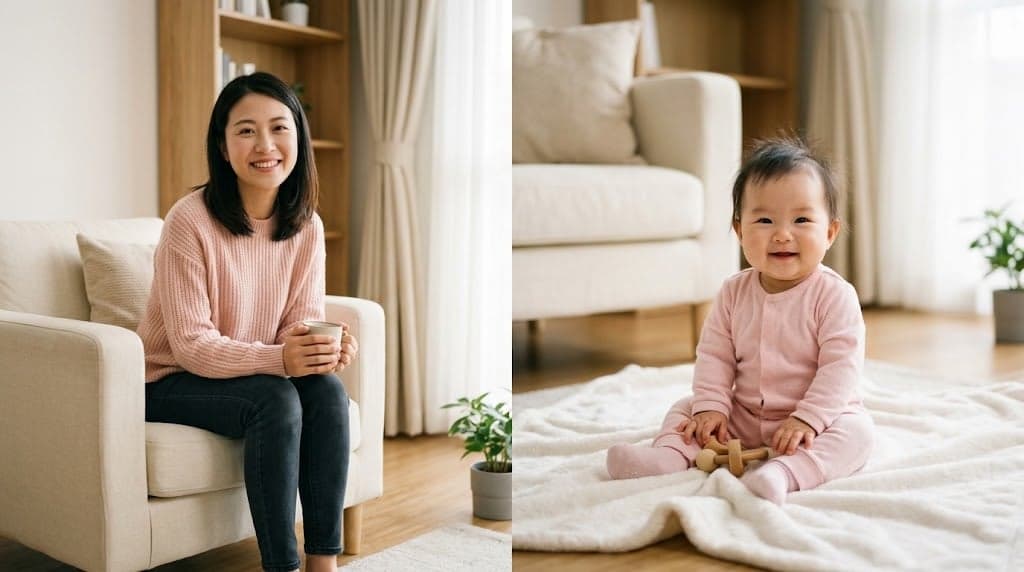
Turn a current photo into a visual exploration of your child at a future age. It can be a fun way to imagine what your daughter or son might look like when grown up.
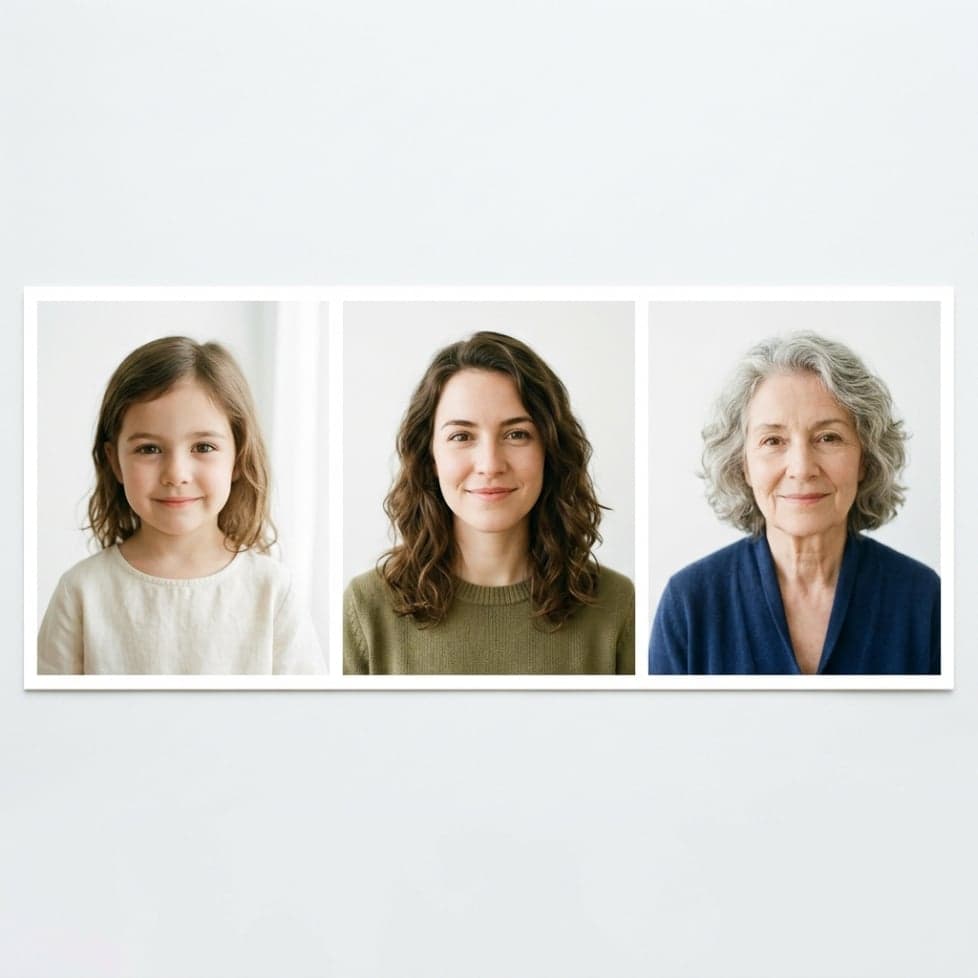
Create playful future portraits of you and your partner at the same age stage. For example, imagine what you might look like together as an older couple or in a future wedding-style portrait.
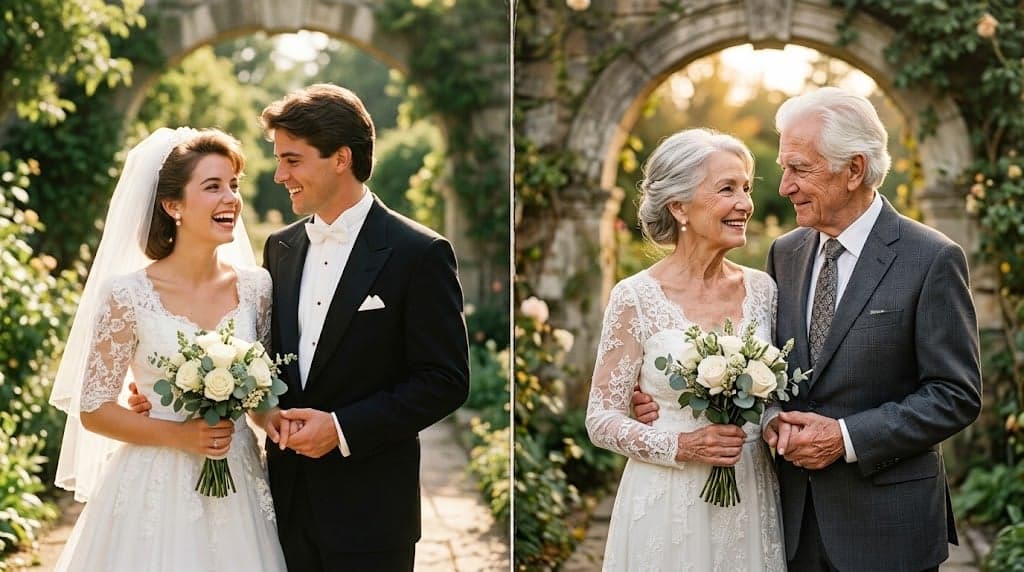
Create age transformation images to share as posts, stories, or before-and-after comparisons. An Instagram age filter style effect can turn a simple portrait into a fun social experiment.
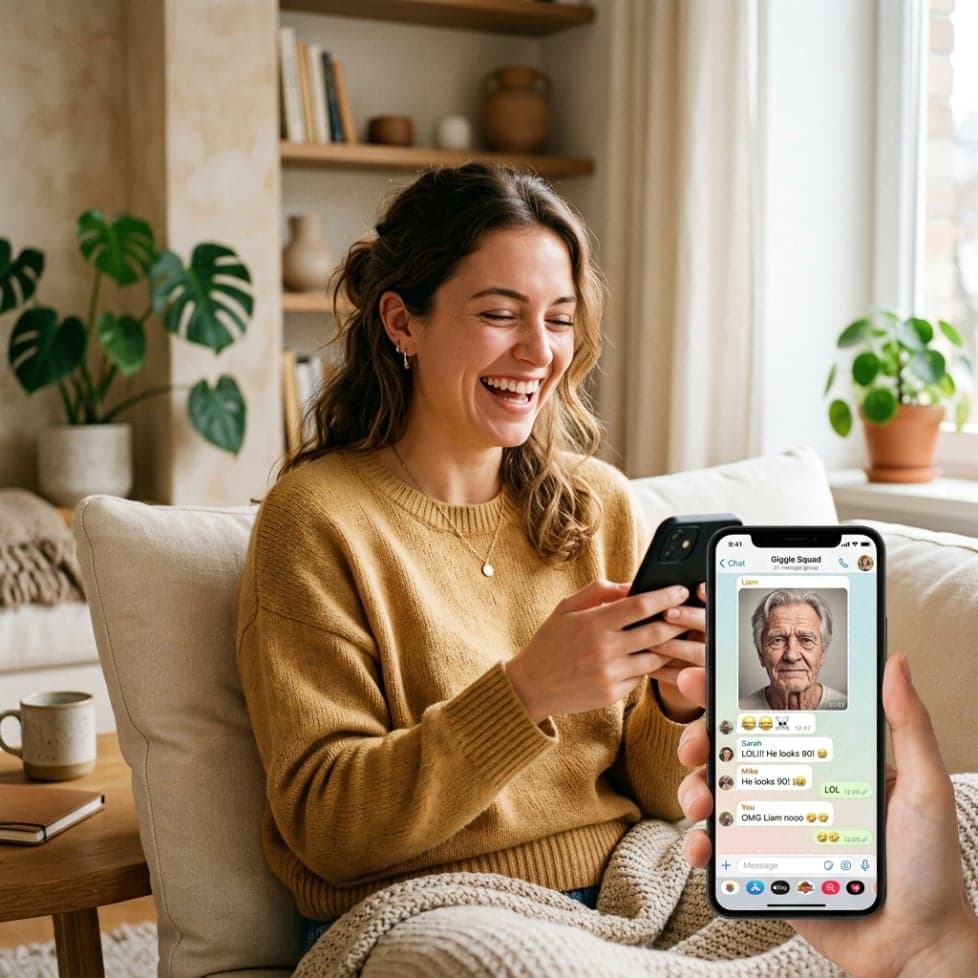
AI aging can simulate visible changes associated with different ages, such as skin texture, wrinkles, and other facial details. The result is designed to create a believable visual representation of age progression.
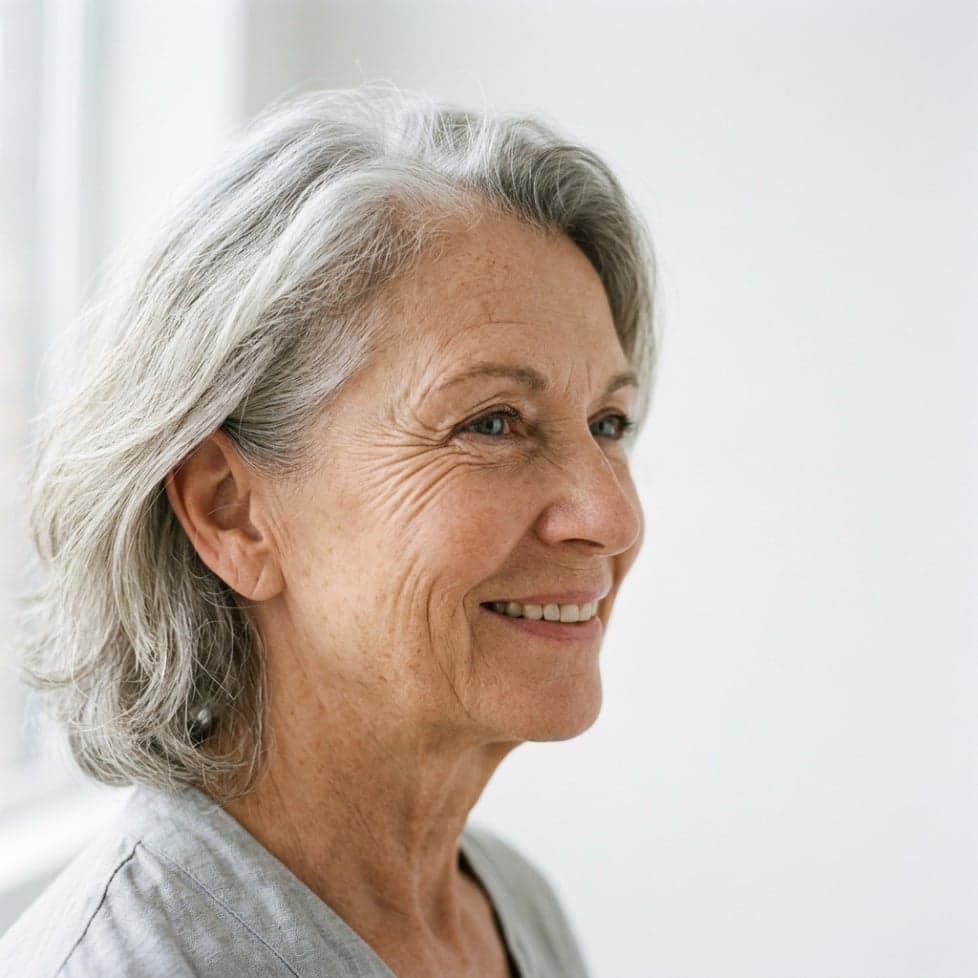
A useful aging filter should not completely change the person's appearance. The AI aims to retain important facial characteristics while adapting the face to the selected age.
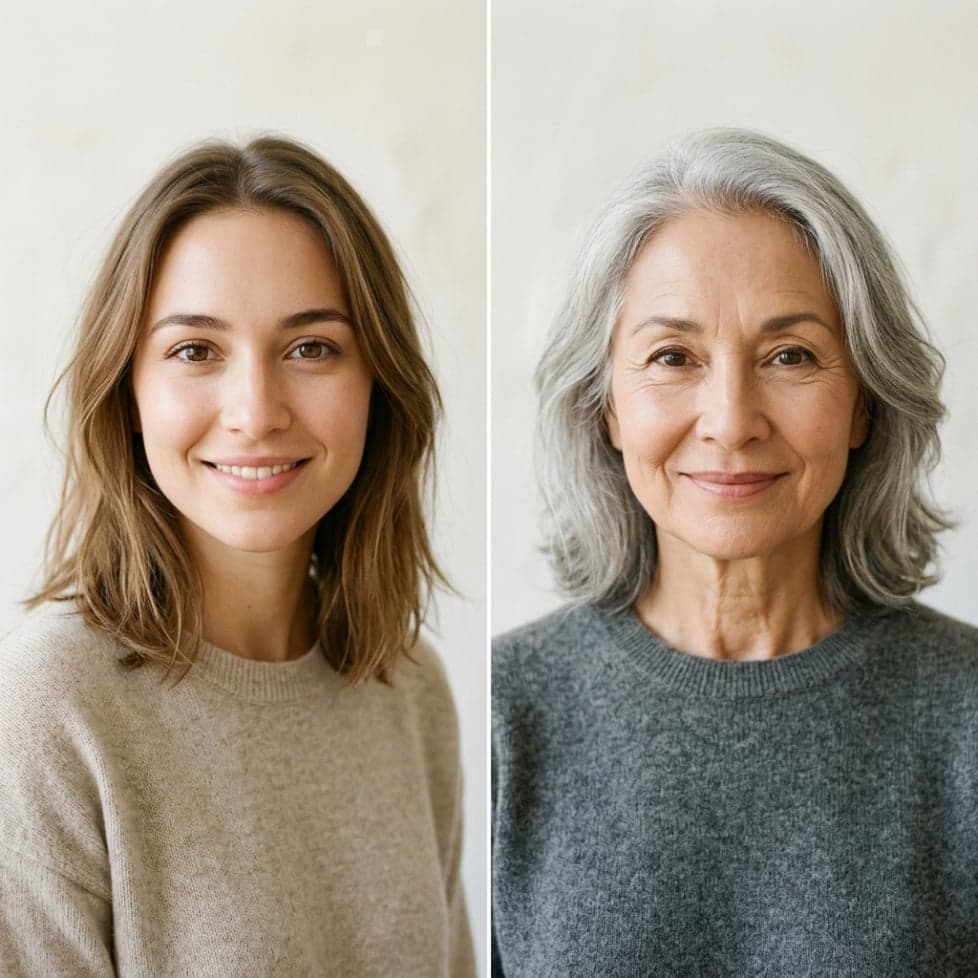
AI age progression shows a possible visual interpretation rather than an exact prediction of the future. Factors such as genetics, lifestyle, health, and environment mean real aging can look very different.
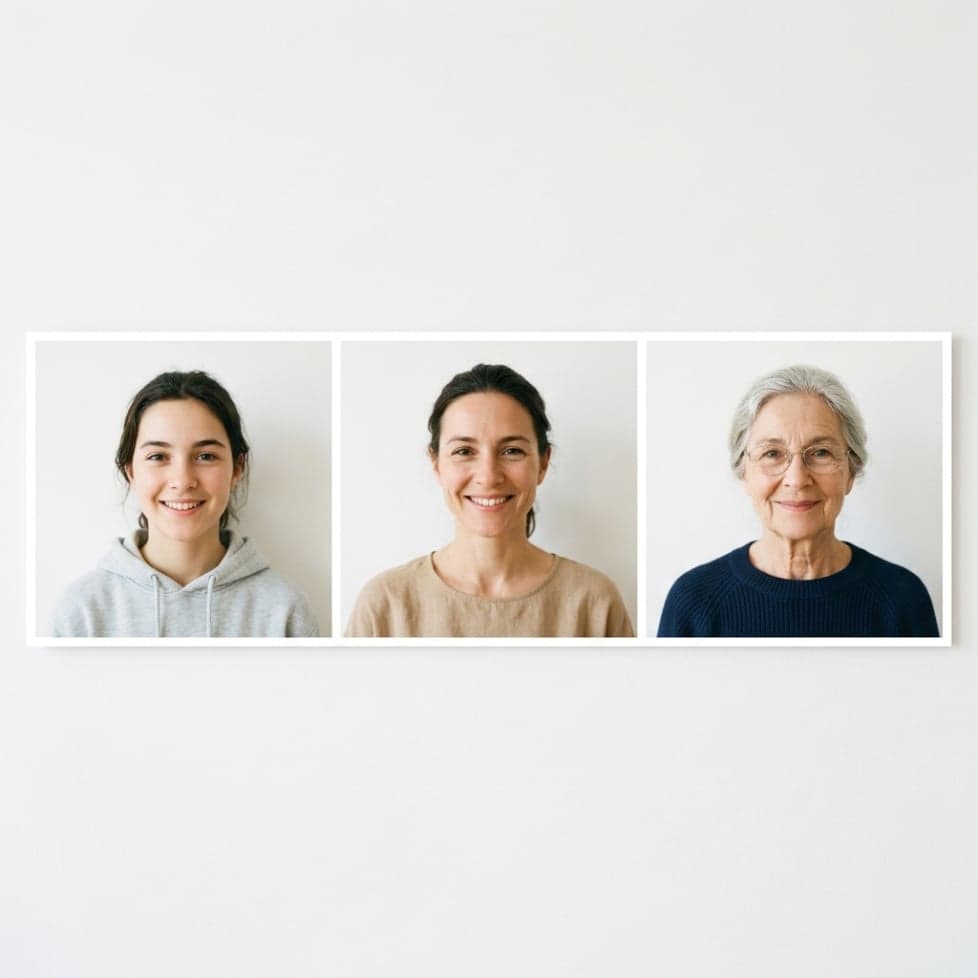
Choose a sharp photo where the face is easy to see and preferably facing the camera. A clear portrait gives the AI more facial information to work with for age progression.
Even, natural lighting can help preserve facial details in the generated image. Avoid photos where the face is too dark, blurry, or heavily covered.
Try not to use photos with strong beauty filters, sunglasses, masks, or extreme camera angles. These can hide important facial features and make the aging filter less consistent.
Photos with multiple people can work, but clear and unobstructed faces generally produce better results. For the most predictable age progression, use a photo where each face is large enough and clearly separated from the others.
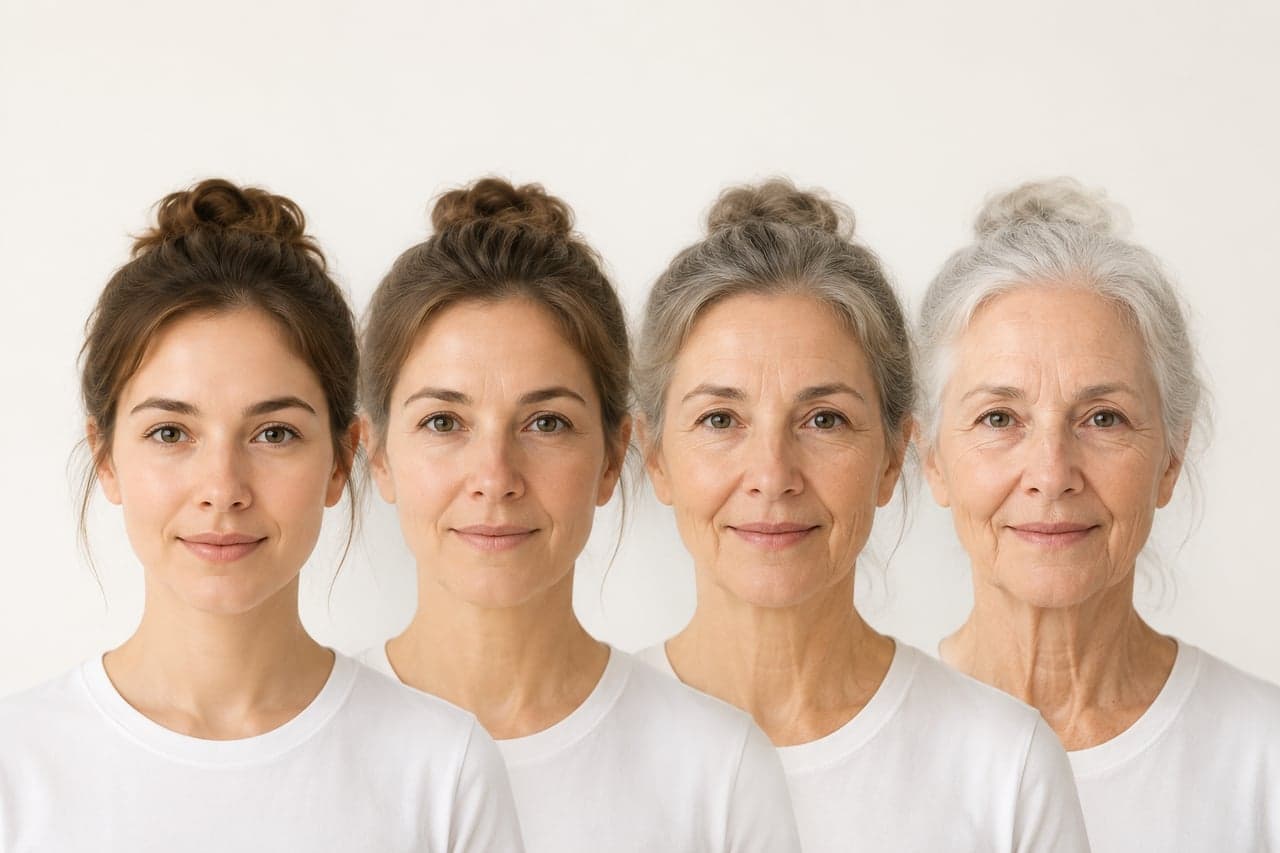
Find answers about free access, age progression accuracy, future looks, exact age control, and photo privacy.
Try more focused AI image workflows. These are the latest tools except the one you are viewing now.

Turn photos into printable coloring pages, or colorize sketches, line art and storybook drawings with AI.

Create a custom family crest with your own shield, meaningful symbols, colors, initials and optional motto.

Turn a portrait into a recognizable flat paper-cut cartoon character, or create an original small-town character from text.
We use essential cookies to keep ChatImage working and optional analytics to understand how people use the product. You can review details in our Cookie Policy.